

TAKE NOTE (Insights and Emerging Technology)

|
Read more at Defense News link below
Interested in learning more about RPA? Download our FREE White Paper on “Embracing the Future of Work”
UNDER DEVELOPMENT (Insights for Developers)
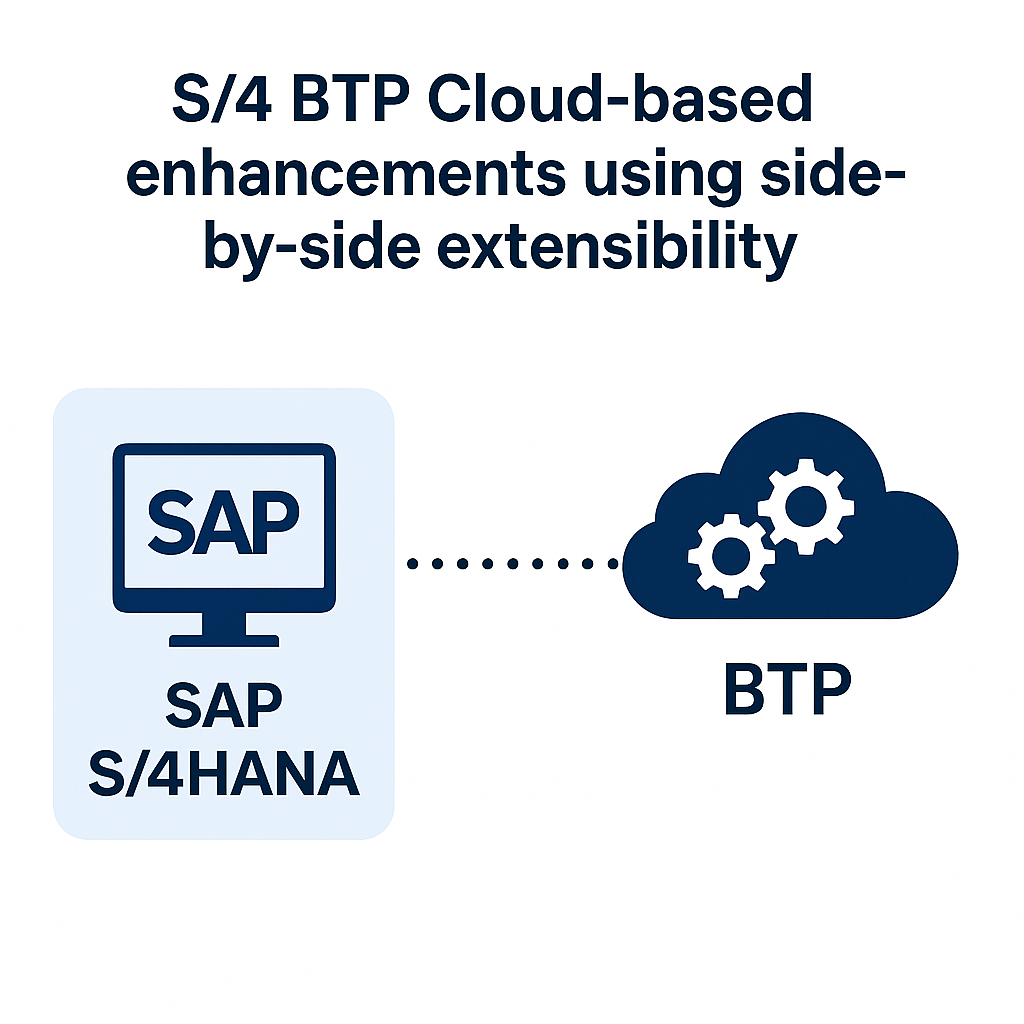
S/4 BTP Cloud-based Enhancements using Side-by-Side Extensibility Part 2
Intro
During this month’s blog, we begin the process of building our Sale to Tweet application utilizing the BTP. For our first step, we want to address the first problem we identified when discussing how to extend SAP functionality in the Cloud:
Problem: 1. If the BTP is completely separate from the SAP system, how can we react to business events in a timely and reliable fashion?
The answer to this question for SAP ERP systems is almost always by using the SAP Event Mesh. During this blog we will go over how to configure and test the SAP Event Mesh to accommodate our Sale to Tweet application. Before doing that, let’s cover some important terminology:
Event Driven Architecture (EDA): A design method where the components of a solution (consumer) are driven by and entirely designed around business events. A central event source (producer) broadcasts events, internally or externally, and the separate components of the solution can respond when and however is required to meet an ancillary business need. Benefits of this approach are loose coupling of solutions, scalability and flexibility.
SAP Enterprise Event Enablement (EEE): This is SAP’s approach to enabling the SAP ERP system to become the event producer in an EDA. SAP EEE allows business events to be published to a “channel”, where they can be received and placed in a queue by an “event broker”. While the event broker in the EDA model can conceptually be any external message management system, for SAP EEE the event broker MUST be the SAP Event Mesh. SAP EEE is configurable to support multiple channels, and 1 or more types of business events can be published to any channel.
SAP Event Mesh: This is the Event Broker if you want to utilize SAP ERP event channels. This subscription service is available on the BTP in various incarnations, including Event Mesh, Integration Suite, with Event Mesh, and Advanced Event Mesh. This blog will focus on working with regular old, vanilla Event Mesh to cover the basics.
With the terminology out of the way, let’s show how this works in practice by configuring our SAP S/4HANA system to publish Sales events to our Event Mesh instance.
 Creating an Event Mesh Instance
Prerequisites:
- You have assigned the appropriate Event Mesh entitlements from you Global Account to your desired subaccount.
- Within your subaccount, you have subscribed to the Event Mesh Subscription ServiceThis is the application that allows you to manage message clients.
Step 1: Create an event mesh instance.

Some Details about what we selected…
For Service we selected Event Mesh – This is the particular service we wish to create an instance of
For Plan we selected Default – Many services have different plans to meet a users needs. Here we select the “Default” plan
For Runtime Environment we selected Cloud Foundry – The environment out Event Mesh will run in .We would select other environments, like Kyma, etc., but our example uses Cloud Foundry for Integration Suite and ABAP Environment, so it makes sense for Event Mesh as well
For Space we selected Dev – This is the name of our “Space” within our Cloud Foundry environment. This is where you can break solutions into sequential stages like Dev, System test, Prod, etc.
For Instance Name we selected TestingInstanceCreation – This is just the name of the event mesh service instance that will show up on the BTP. Other than uniqueness, naming conventions for this aren’t too important
Next we Fill the JSON Service Descriptor configuration file. After clicking next, you’ll see an editable screen containing an Event Mesh configuration template file in JSON format…
– Dig Deeper –
Embrace Event Driven Integration with SAP

Q&A (Post your questions and get the answers you need)

Q. What is the difference between SAP Event Mesh & SAP Advanced Event Mesh?
A. When it comes to building event-driven architectures, SAP offers two key solutions: SAP Event Mesh and SAP Advanced Event Mesh (AEM). While both help your applications communicate in real-time, they are designed for different use cases and scales. So, what’s the right choice for you?
SAP Event Mesh: The Beginner-Friendly Option
SAP Event Mesh is a basic, easy-to-use event broker service that’s part of the SAP Business Technology Platform (BTP). It’s perfect for companies just starting with event-driven architecture or those focused on integrating applications within the SAP ecosystem.
- Best for: Simple integrations, basic event-driven scenarios, and applications primarily within SAP landscapes.
- Key Feature: Seamlessly connects SAP systems, like S/4HANA, to other applications in the BTP.
- Scope: Well-suited for low to moderate event volumes with limited storage requirements.
SAP Advanced Event Mesh (AEM): The Enterprise Powerhouse
For more demanding scenarios, SAP Advanced Event Mesh is the enterprise-grade, full-featured solution. Powered by the Solace PubSub+ platform, AEM is built for complex, large-scale, and hybrid or multi-cloud environments.
- Best for: Complex enterprise integrations, large-scale event streaming, and connecting SAP to non-SAP systems, edge devices, and third-party applications.
- Key Feature: Offers advanced capabilities like event management, governance (via the Event Portal), event replay, and the ability to handle significantly larger messages and higher event volumes.
- Scope: Enables you to build a robust eventing backbone that spans across different clouds (AWS, Azure, GCP) and on-premise setups.
So, which one is right for you?
Ultimately, the best choice depends on your specific needs. Think of it this way: if you’re building a new tool shed in your backyard, you might just need a basic hammer and nails (SAP Event Mesh). But if you’re building a whole new home, you’ll want the full power tool set (SAP Advanced Event Mesh).
The good news is, you don’t have to decide for good. These two services can even work together! Many companies start small with Event Mesh and scale up to Advanced Event Mesh as their needs grow more complex
Cheers!